Guide
GTA 6Launch day
Everything to do before, at and right after unlock, so your first night in Leonida goes smoothly.
Tip:We'll add real first-day tips here as soon as GTA 6 unlocks.
Step 1 · Before 19 November
Get ready
✓ Pre-load the game
Pre-loading is reported to open around 12 November. Start it early: the download is about 210 GB on PS5.
✓ Free up space
Leave at least 250 GB free so day-one patches fit too.
✓ Check your unlock time
Unlock is reported as midnight local time (US: midnight Eastern).
✓ Update your console
Install system updates the day before so nothing blocks you at midnight.
Step 2 · Unlock night
First 15 minutes
✓ Install the day-one patch first
Let it finish before you start the story so your save isn't on an old version.
✓ Set brightness and HDR
Use the in-game calibration screen. Night scenes in Vice City look far better when it's right.
✓ Choose your controls
Check camera speed, aim assist and subtitles before the first mission.
✓ Turn off spoilers
Mute GTA 6 keywords on social apps if you want the story fresh.
Step 3 · First hours
Play smart
✓ Follow the story first
Early missions usually unlock the map, shops and money-making activities.
✓ Don't spend early cash on cars
In past GTA games, early money went further on things that earn more money. Track it with our money planner.
✓ Explore the map
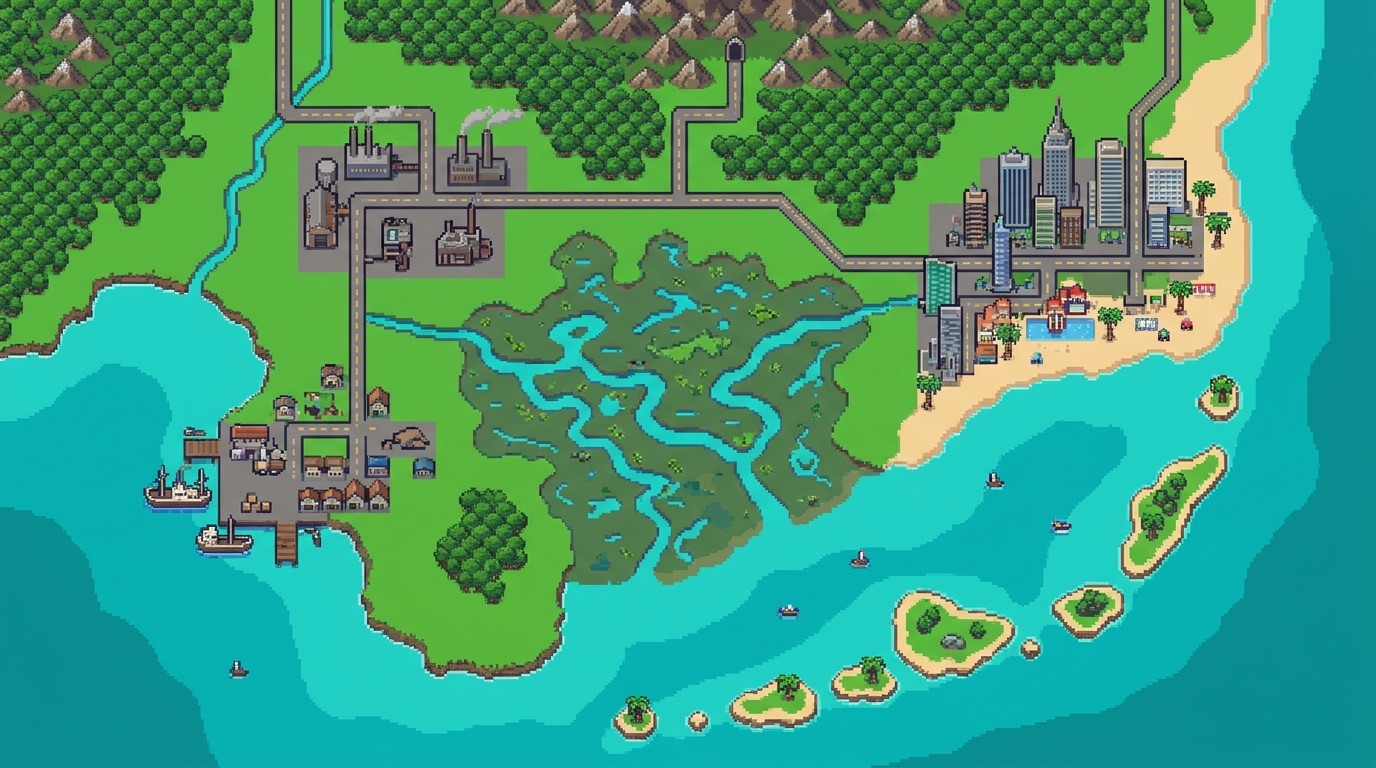
Use our Leonida fan map to see the regions revealed so far.
✓ Save often
Manual saves before big missions protect your progress.
Tick these off as you go in the launch checklist, and check your unlock time.
FAQ
+When can I start playing GTA 6?
GTA 6 releases on 19 November 2026. Store listings reportedly unlock it at midnight local time; in the US, all time zones are reported to unlock at midnight Eastern.
+How big is the GTA 6 download?
About 210 GB on PS5, as reported from store data. Plan for more with day-one patches.
+Will this guide get real gameplay tips?
Yes. As soon as the game is out we'll add tested first-day tips, money methods and locations.